Try

Drive Preset from the command line

Script exports, dbt syncs and workspace promotion, or hand the terminal to a coding agent.

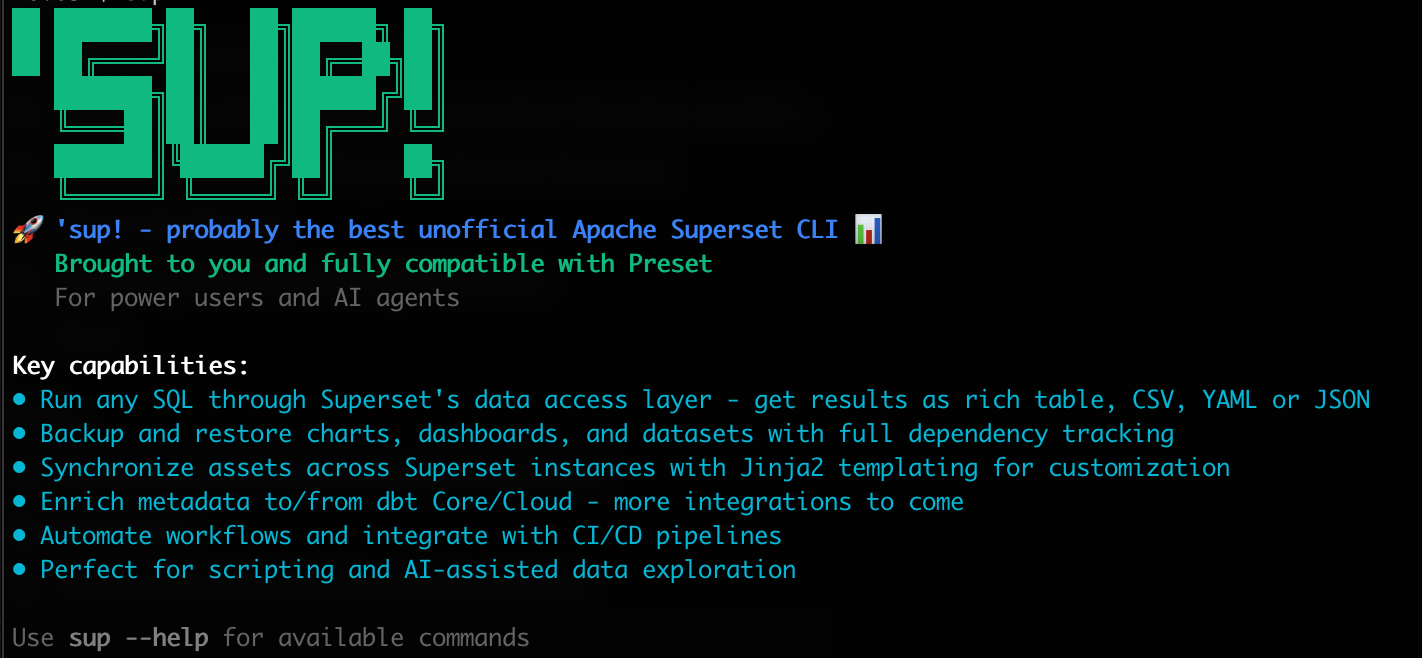
The sup welcome screen in a terminal, listing its key capabilities
Two tools

Pick the CLI that fits the job

Both talk to the same Preset workspaces. sup is the newer, agent-friendly tool; the Preset CLI has carried dbt sync and assets-as-code workflows for years.

For automation and agents

sup

A command-line tool for Apache Superset™ and Preset workspaces, built for scripting and for coding agents like Claude Code, Codex, Cursor and Gemini CLI. Rich tables for people; --json, --yaml, --csv and --porcelain output for agents.

  • Running SQL and reading chart data
  • Pulling and pushing charts with their dependencies
  • Syncing assets across workspaces with templating
pip install superset-sup
The Preset CLI

preset-cli

Manages Preset and Apache Superset environments from the command line, and runs the same operation across several workspaces at once. It needs access to the Preset API.

  • Exporting and importing assets as YAML
  • Syncing dbt Core and dbt Cloud models into datasets
  • Running SQL and managing teams and workspaces
pip install preset-cli
What you can script

The jobs people hand to a terminal

Real commands from the docs and the README. Swap in your own workspace IDs, paths and chart IDs.

Export every database, dataset, chart, dashboard and saved query in a workspace to YAML, keep it in git, and publish it back when changes merge. sup pulls and pushes charts along with their dependencies.

# Export a workspace's assets to YAML
preset-cli superset export output-directory/

# Publish a directory of YAML assets to a workspace
preset-cli superset sync native output-directory/

# Or with sup: pull your charts, push them elsewhere
sup chart pull --mine
sup chart push --workspace-id=456
Headless BI

Other ways into the same workspace

The CLI is one surface of Headless BI. Agents, the REST API and the Embedded SDK reach the same assets and data.

  • Agents

    Preset MCP and Preset Agent Skills

    Connect Claude or another MCP-compatible client to your workspace with Preset MCP. Add Preset Agent Skills so the agent knows which tool fits the task and when to stop and ask.

  • REST API

    The Preset API

    Manage workspaces, users, permissions and assets from your own code. It builds on Apache Superset's REST API, with additional endpoints for Preset workspaces and organizations.

  • Embedded SDK

    Dashboards inside your product

    Render Preset dashboards in your own application, with a guest token your backend requests for each viewer and optional row-level security.

Script your analytics like the rest of your stack.